Microsoft and Windows
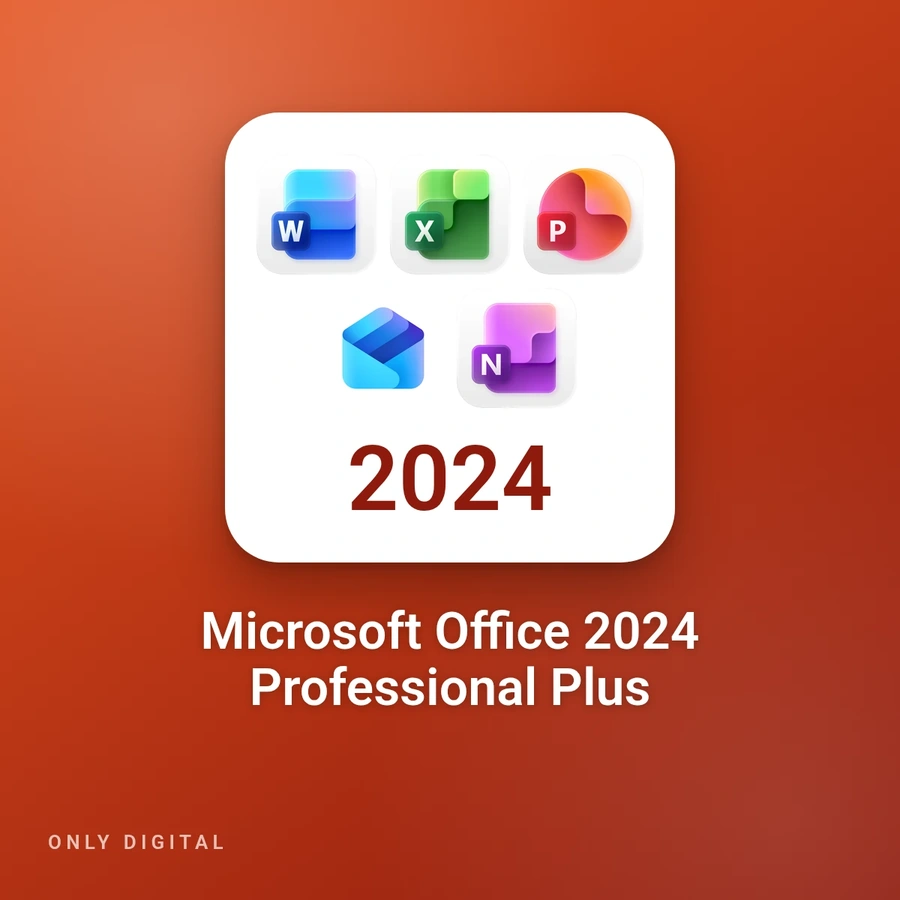
Microsoft Office 2024 Professional Plus
Lifetime · Activation key
- DurationLifetime
- FormatActivation key
- Devices1 PC
- SystemWindows 11
- LanguagesFR, DE, EN, IT…
- You orderon WhatsApp, with the option you chose
- You payTWINT, card, PayPal or Revolut
- We activatefast activation, support on WhatsApp
- Fast reply on WhatsApp+41 79 847 33 93
- TWINT paymentcard, PayPal or Revolut
- Lausanne, SwitzerlandPrices in Swiss francs
- 5.0 · 22 Google reviewsGoogle listing
Description
Microsoft Office 2024 Professional Plus brings together the Word, Excel, PowerPoint, Outlook, OneNote and Access desktop apps, version 2024, for one Windows PC. It is a one-time purchase with no subscription; Microsoft calls this edition Office LTSC Professional Plus 2024.
It suits anyone who wants their office software installed on their own computer and paid for once: writing documents, doing calculations, preparing presentations, managing e-mail, taking notes and keeping a database.
“Lifetime · Activation key” option: you receive by e-mail an activation key for one Windows PC, together with the download link. As Microsoft recommends, first uninstall the other versions of Office on the PC. After installation, enter the key when you open Word, or under File > Account if Word does not ask for it; activation then takes place online.
System requirements according to Microsoft: Windows 11, 1.1 GHz dual-core processor, 4 GB of memory, 4 GB of free disk space and a 1280 × 768 display; the 64-bit version is required for a 4K display. Microsoft does not list Windows 10 Home or Pro for this edition and has not supported Windows 10 since 14 October 2025. This edition cannot be installed on a Mac. It is available in several languages, including French, German, English and Italian.
This is not Microsoft 365: no subscription, no OneDrive storage included, and none of the online features of Microsoft 365 such as real-time collaboration or AI assistance. Office 2024 receives no new features; Microsoft supports it until October 2029, with no extension. Publisher is not included, and Teams is a separate download.
Installation and activation
This guide installs Office 2024 Professional Plus with our download link, then activates it with your key.
Important: if the product key is not requested when you open Word, go to File → Account → Change Product Key and enter the key provided.
Uninstall any previous Office version

One key, one PC, no subscription. Open Control Panel → Programs and Features and uninstall:
- Office 365
- Office 2021
- any other installed Office version
This is required to avoid installation conflicts.
Install Office 2024
Download the file in your language:
English Français Deutsch Italiano Other languages
- Start the installation.
- Follow the instructions until completion.
Activate Office
Method 1 — Online activation (standard)
- Open Microsoft Word.
- Click Activate Office.
- Enter the product key you received.
- Close Word, then reopen it.
- Click Activate online.
In most cases, activation is completed immediately.
Method 2 — If the message “This product key has already been used” appears
- Select Activate by phone.
- Follow the steps until the Installation ID (a long code) is displayed.
- Take a clear photo of the screen showing this code.
- Send the photo to our support team, on WhatsApp at +41 79 847 33 93 (fast and recommended) or at .
We will provide you with the Confirmation ID to complete the activation immediately.
Finalization
Once Word displays “Product activated”, Office is fully activated. All applications are ready to use with no limitations.
Questions
How does ordering work?
You write to us on WhatsApp with the product and the option you chose. You pay by TWINT, card or PayPal through a secure link, or by Revolut. We then activate, with support on WhatsApp if needed.
Which payment methods do you accept?
TWINT, card or PayPal through a secure link, or Revolut, on WhatsApp. Prices are in Swiss francs.
What happens if the access stops?
This access depends on its publisher, who may change, block or end it under its own rules. If the access stops, we offer you a replacement when possible: terms and conditions, articles 6 and 7.
Where are you?
Only Digital, Route de Berne 111, 1010 Lausanne. The fastest answer comes on WhatsApp: +41 79 847 33 93.