Microsoft and Windows
Microsoft Office 365
- Duration12 months
- PlatformWindows PC, Mac, iPhone and iPad, Android
- You orderon WhatsApp, with the option you chose
- You payTWINT, card, PayPal or Revolut
- We activatefast activation, support on WhatsApp
- Fast reply on WhatsApp+41 79 847 33 93
- TWINT paymentcard, PayPal or Revolut
- Lausanne, SwitzerlandPrices in Swiss francs
- 5.0 · 22 Google reviewsGoogle listing
Description
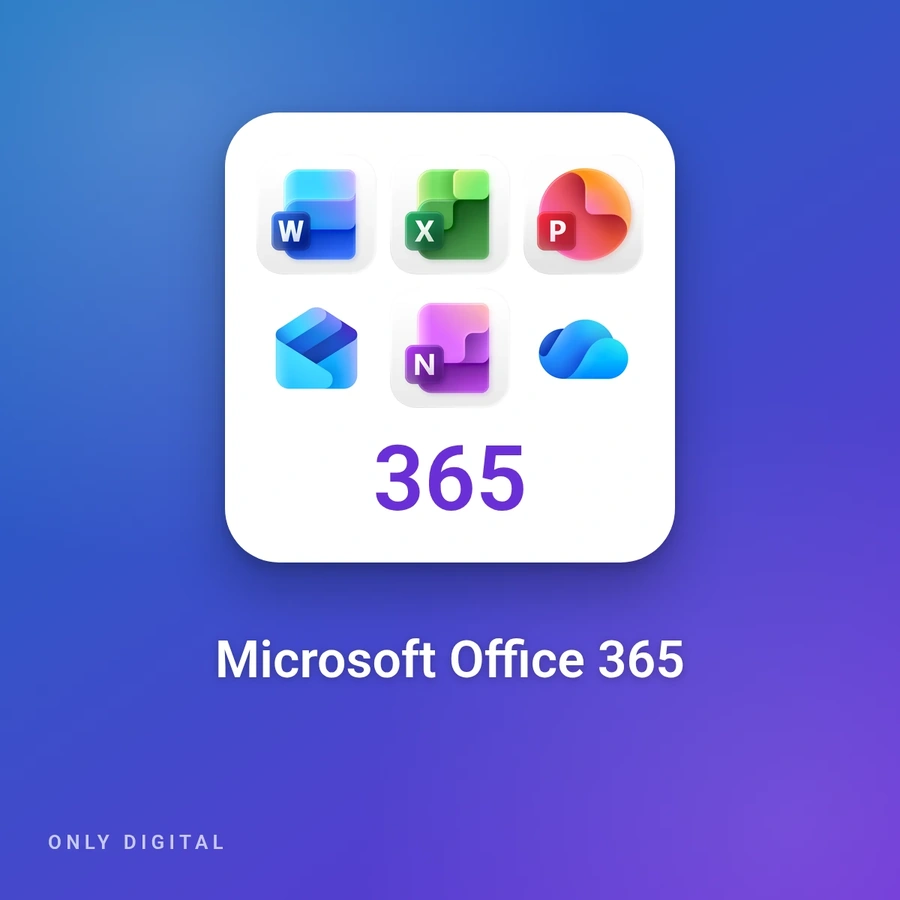
Microsoft 365, which replaced Office 365 for home users in 2020, is a Microsoft subscription: it gives access to the Word, Excel, PowerPoint, Outlook and OneNote apps, kept up to date, and to online storage on OneDrive. This page offers three 12-month options, each to be renewed to keep using it.
It suits anyone who works on several devices – Windows PC, Mac, smartphone or tablet – and wants their files everywhere with the latest versions of the apps. The Personal and Family plans also include Access, on PC only.
- Personal · 12 months · Activation on your account: Microsoft 365 Personal is activated on your own Microsoft account, for one person. According to Microsoft, you can be signed in on five devices at the same time and get 1 TB of OneDrive storage. The activation steps are sent to you after your order.
- Family · 12 months · Activation key: you receive a key by e-mail, which you redeem with your Microsoft account at microsoft365.com/setup. You can then share the subscription with up to five other people, each with their own account and five devices signed in at the same time. According to Microsoft, Family subscriptions taken out since 8 October 2026 have 2 TB of storage shared between members; each person’s files stay private, and the AI features are reserved for the subscription holder.
- 12 months · Dedicated account: you receive a ready-to-use Microsoft account reserved for you, with a 12-month Microsoft 365 subscription. You sign in with the username and password provided in Word, Excel or another app, on PC or Mac. You can change the password; the sign-in e-mail address stays the one provided.
Microsoft 365 runs on Windows PCs, Macs, smartphones and tablets. Microsoft has not supported Windows 10 since 14 October 2025; Microsoft 365 apps still receive security updates on it until 10 October 2028, and Microsoft recommends Windows 11.
This is neither Office 2024 nor a permanent licence. Without renewal at the end of the 12 months, the apps switch to reduced functionality mode: your documents can still be opened and printed but no longer edited, and your OneDrive storage drops back to the free 5 GB. Publisher has not been part of Microsoft 365 since October 2026. For a one-time purchase with no subscription, see Microsoft Office 2024 Professional Plus.
Installation and activation
This guide is for the 12-month dedicated account option: you receive a ready-to-use Microsoft 365 account, with a sign-in address and a password. You install the apps from Microsoft's portal, on a PC or a Mac.
Before you start
Your sign-in address and password arrive by e-mail. The account is reserved for you: keep these details to yourself.

A reserved account, for 12 months. - A PC running Windows 11 or Windows 10, or a Mac. On a PC, you need an administrator account.
- Another version of Office already installed (Office 2021, Office 2024…)? Uninstall it first: Microsoft explains that several copies of Office on the same PC can block activation. Your documents stay on the PC.
- The sign-in address cannot be changed; the password can (step 2).
- All the files you save on OneDrive are visible only to you and are not shared.
To uninstall on a PC: Start → Settings → Apps → Installed apps, then … next to the old Office version and Uninstall.
Sign in and change the password
Go to m365.cloud.microsoft/apps and select Sign in. Enter the address and the password you received.
Then change the password: on microsoft365.com, open Settings (the gear icon), then Change your password, and Save. Choose a password you do not use anywhere else. If the option does not appear, write to us: it depends on the account's settings.
Install the apps
On m365.cloud.microsoft/apps, open the Install apps drop-down, then choose Microsoft 365 apps.
- On a PC: depending on your browser, click Run (Edge), Setup (Chrome) or Save File (Firefox), then open the file. Answer Yes to Windows' question. The installation ends with "You're all set! Office is installed now": click Close.
- On a Mac: open the Finder, then Downloads, and double-click Microsoft Office installer.pkg (the name may vary slightly). Click Continue, Continue, Agree, Continue, Install, then Install Software, and finally Close.
If the Install apps list does not appear, write to us.
Open Word and activate
Open Word: on a PC, click Start and type Word; on a Mac, use the Launchpad. If Word asks you to sign in, use the account's address and password. Accept the license agreement. On a Mac, the What's New window opens: click Get Started. Microsoft 365 is then activated and ready to use.
Check that everything is activated
In Word, open File → Account: under "Product Information" you see the name of the product and the account that holds the licence, which is the address you received. The title bar does not show "Unlicensed Product".
Good habit: keep a copy of your important documents on your computer or an external drive, in addition to OneDrive.
An error message?
"Unlicensed Product" in the title bar: check in File → Account that you are signed in with the address you received and not with another account, then that only one version of Office is installed. Microsoft lists these two causes first.
For any other message, or if the error stays, take a sharp photo of the whole screen, message included, and send it to us on WhatsApp at +41 79 847 33 93 or to . We will reply with the next step. Hide the password on the photo.
These steps follow Microsoft's documentation: Download and install Microsoft 365 on a PC or Mac and Unlicensed Product and activation errors in Office.
Questions
How does ordering work?
You write to us on WhatsApp with the product and the option you chose. You pay by TWINT, card or PayPal through a secure link, or by Revolut. We then activate, with support on WhatsApp if needed.
Which payment methods do you accept?
TWINT, card or PayPal through a secure link, or Revolut, on WhatsApp. Prices are in Swiss francs.
What happens if the access stops?
This access depends on its publisher, who may change, block or end it under its own rules. If the access stops, we offer you a replacement when possible: terms and conditions, articles 6 and 7.
Where are you?
Only Digital, Route de Berne 111, 1010 Lausanne. The fastest answer comes on WhatsApp: +41 79 847 33 93.